 Pressemitteilung
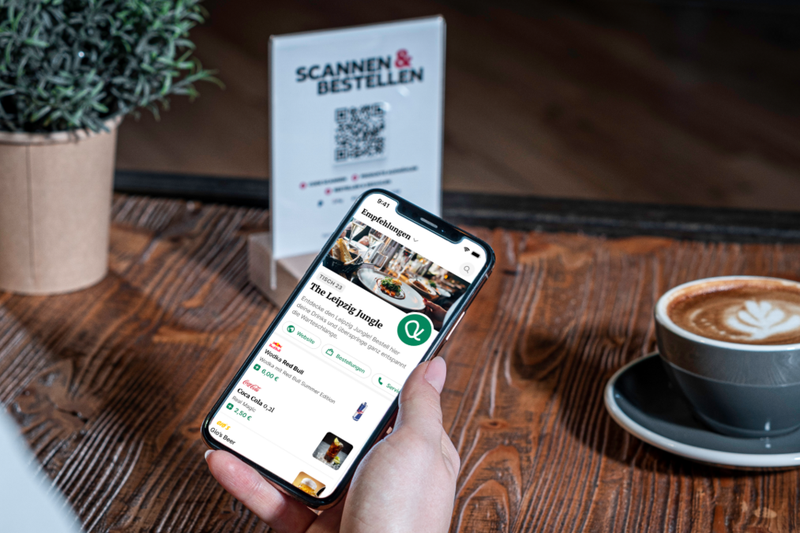
An online ordering system and marketing channel in one: SO’USE brings brands to guests’ mobile phones
 Ben Kamran Wollscheid
·
21.11.2022
Ben Kamran Wollscheid
·
21.11.2022
Diese Seite ist auch auf Deutsch verfügbar.
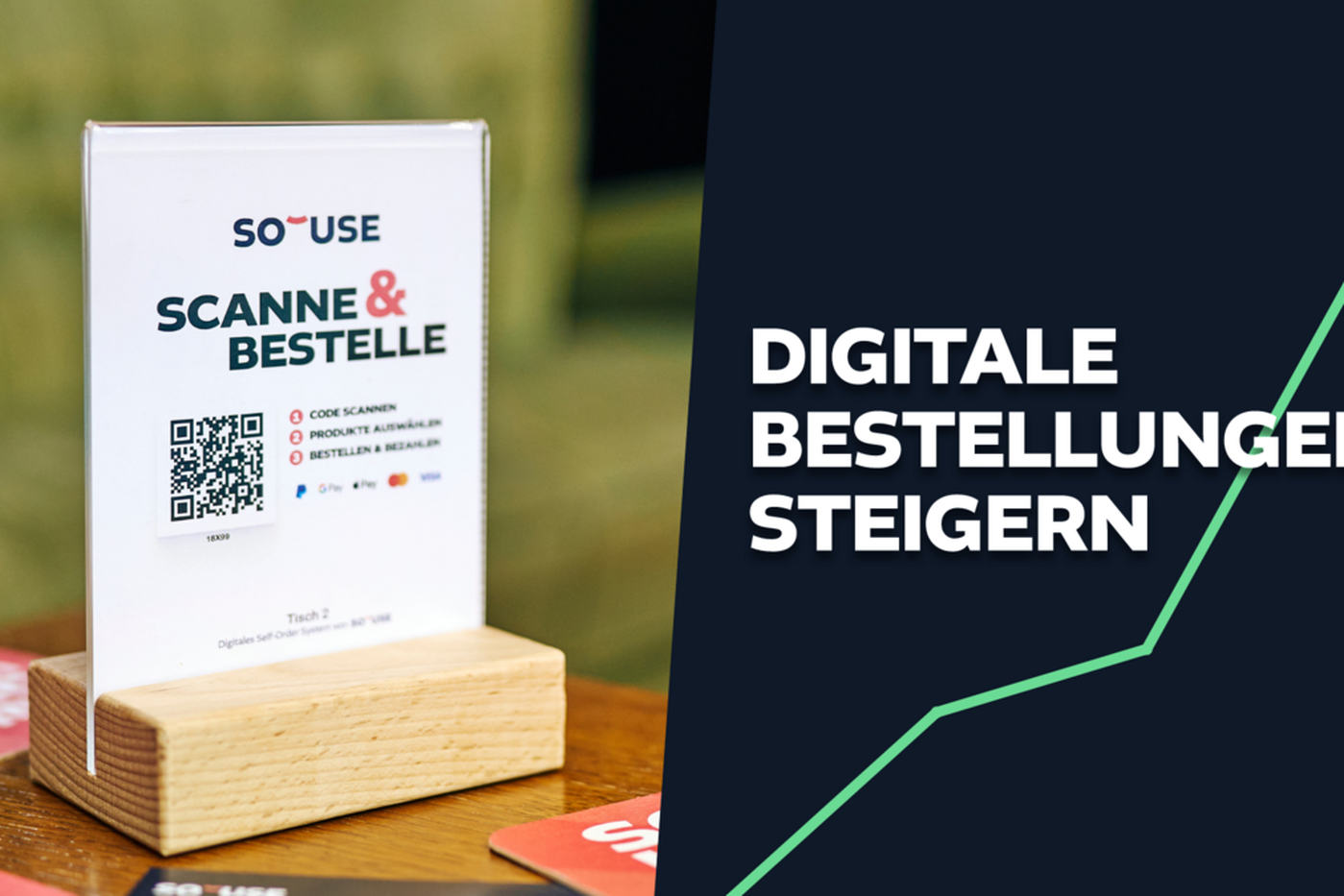
Train your service team to inform guests about the digital ordering option during the initial greeting. A simple sentence works wonders: “...By the way, if you can't find me right away, feel free to order via your smartphone. It's very easy”...
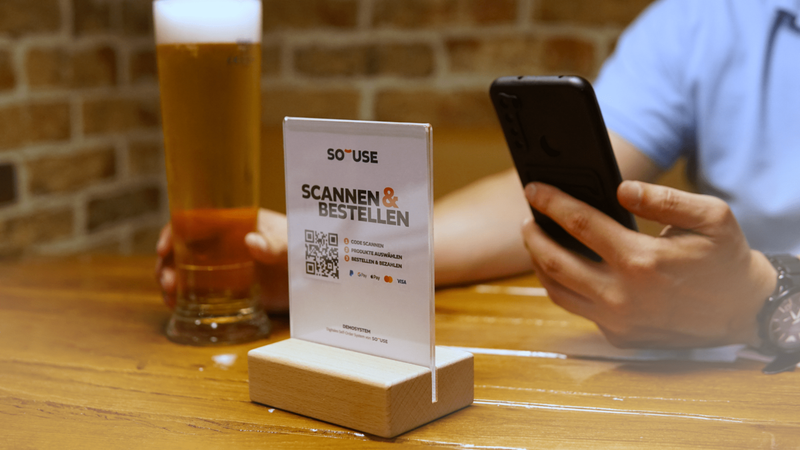
Place the table tents with the QR code clearly visible on the table. Make sure the table isn't cluttered with other menus or flyers that distract from the QR code. Guests need to know they can order digitally here.
Add a note and a short explanation to your physical (paper) menu. Guests often find it interesting to learn why you offer digital ordering, providing your team with another conversation starter.
Encourage more digital orders by offering special deals and giveaways. For example, guests who order via smartphone could receive a discount or a free drink.
In larger venues, designating and marking specific areas for self-ordering helps. Use signs or posters to draw attention to the system.
PS: Download free images and flyers here:
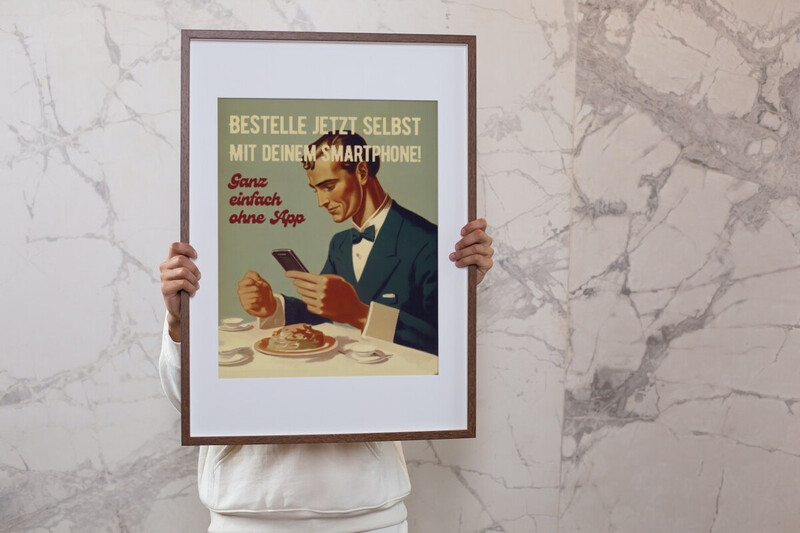
Our most successful customers proudly present the new ordering option on Instagram or Facebook. Some demonstrate the entire ordering process and encourage their audience to try it themselves on their next visit.
Have questions or need help? Just send us a message.
Pressemitteilung
Ben Kamran Wollscheid
·
21.11.2022
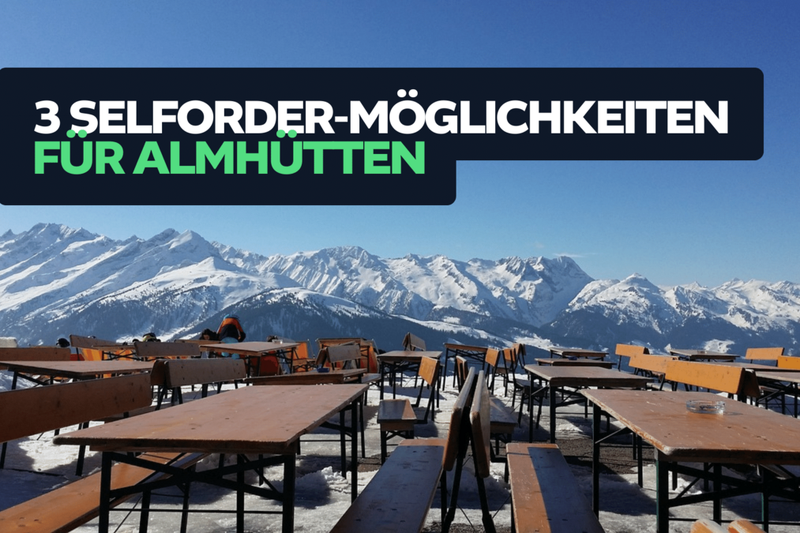 Tipps & Tricks
Ben Kamran Wollscheid
·
01.09.2023
Tipps & Tricks
Ben Kamran Wollscheid
·
01.09.2023
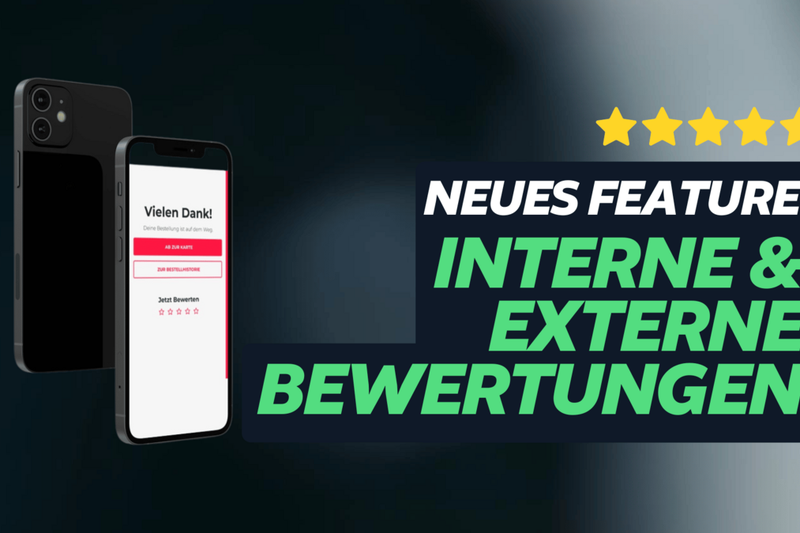 Trends & Innovation
Ben Kamran Wollscheid
·
31.07.2024
Trends & Innovation
Ben Kamran Wollscheid
·
31.07.2024
 Messen & Veranstaltungen
Ben Kamran Wollscheid
·
01.12.2023
Messen & Veranstaltungen
Ben Kamran Wollscheid
·
01.12.2023

Over 1,500 customers already rely on SO'USE